Draft
Turn meeting notes into a first status-report draft for the project owner to correct and approve.
Interactive Framework · Free
Better AI results start with assigning the right role, not asking AI to “do everything.” Use this practical selector to choose a small, accountable first step.
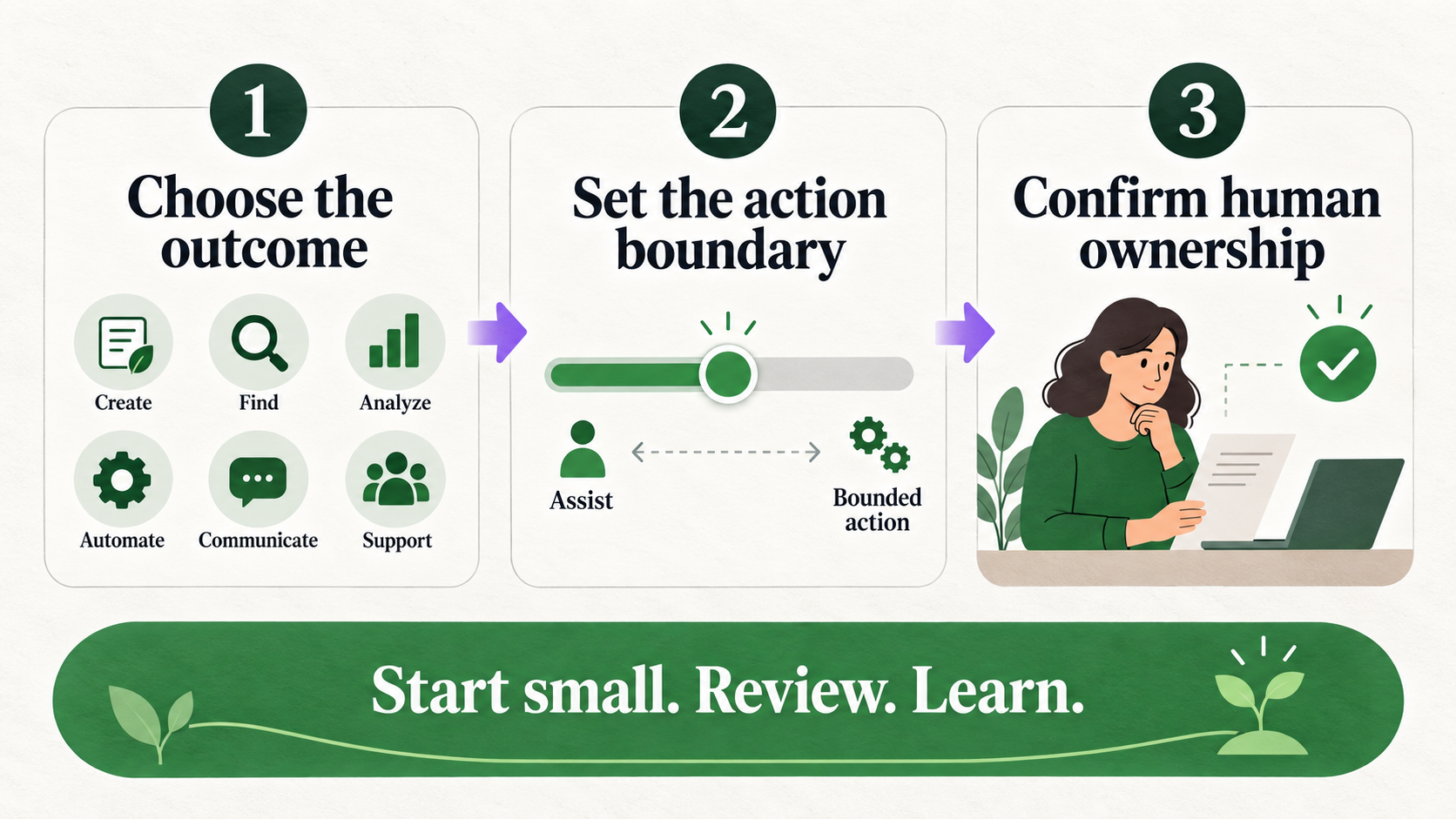
Choose the answer that best describes one workflow, not your entire organization. The result is a practical starting point, not a scientific score or permission to deploy a system. Read the suggested inputs and human accountabilities before copying the starter prompt. If the work is sensitive, consequential, or unclear, begin with a role that assists a person and make the review step explicit.
“Can AI do this?” is usually too broad to be useful. A better question is: what role should AI play in this workflow? The answer shapes the data you permit, the instructions you write, the review you require, and the kind of mistake you can safely tolerate. It also keeps a promising use case from turning into an oversized automation project before anyone has learned what actually works.
Many teams jump from an interesting demonstration to an imagined autonomous agent. That shortcut hides the practical design work: defining inputs, checking sources, assigning a human owner, deciding what counts as an exception, and making corrections visible. A small role is easier to test because its expected output and limits are clear. A strong first result then gives you evidence for a next step.
This AI workflow design framework is meant for ordinary business work: preparing a report, testing a proposal, interpreting feedback, comparing options, routing standard requests, or watching a defined signal. It does not replace accountable judgment. For consequential choices, people should set the criteria, inspect the evidence, and make the decision.
The roles are distinct because they ask AI to contribute in different ways. Draft turns a blank page into a reviewable starting point. Challenge looks for weak assumptions and overlooked risks. Analyze makes a defined body of information easier to understand. Recommend compares options against criteria already set by people. Automate completes a bounded, repeatable action. Monitor watches specified signals and escalates meaningful change.
A workflow can eventually use more than one role. For example, a team may analyze feedback, challenge a proposed response, and draft an update. Start with the role that removes the most friction while preserving the human responsibility that matters. In this kind of AI use case selection, a transparent, reviewable role is usually a better first move than a broad promise of autonomy.
Assistance is not a lesser version of automation. It is how teams learn whether the inputs are complete, whether the instructions produce consistent output, and where human expertise still changes the answer. A draft or analysis can reveal missing data. A challenge can uncover a policy question. A recommendation can show that the decision criteria themselves need work.
Move toward automation only when the task is repeatable, the rules are defined, the permitted data is known, and an exception path is real. A person should be able to explain what the system may do, trace what it did, and correct it when it is wrong. Monitoring follows the same principle: alert a human owner about a material change; do not quietly make a consequential response.
Turn meeting notes into a first status-report draft for the project owner to correct and approve.
Pressure-test a business case for missing assumptions, risks, and unanswered questions before review.
Summarize themes and root causes from customer or project feedback with source checks.
Compare vendor options against approved selection criteria; a human makes the selection.
Classify and route standard requests with defined approval and exception rules.
Watch delivery, cost, or service signals and flag material changes for a human owner.
No. It is a practical way to choose a first AI role for one workflow. It does not measure organizational readiness or guarantee an outcome.
Only when the task is bounded and repeatable, inputs and rules are clear, actions are traceable, and exceptions go to a human owner. Start with a reviewed version first when possible.
No. AI can technically produce a decision, organize evidence, or recommend a path against defined criteria, but people should retain accountability for consequential decisions and approvals.
Use the starter prompt on one small, permitted use case. Inspect the output with the named human reviewer, note gaps, and refine the inputs or boundaries before expanding the workflow.